LIMRA.com and LOMA.org will be off-line for scheduled maintenance February 21, 2026 from 6 - 10 a.m. ET.
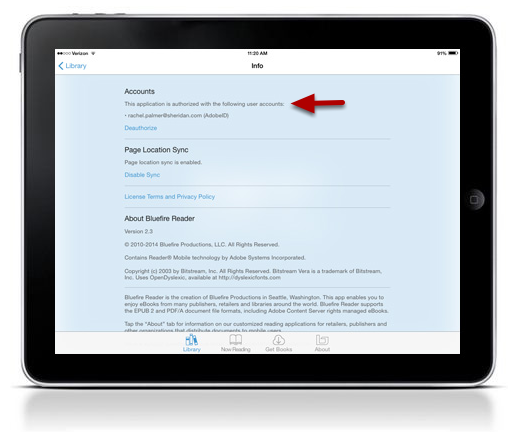
Note: The following installation instructions also work for the BlueFire reader on Android platforms. Just search for the app in the Google Play store and authorize your Adobe ID in the settings as outlined below.
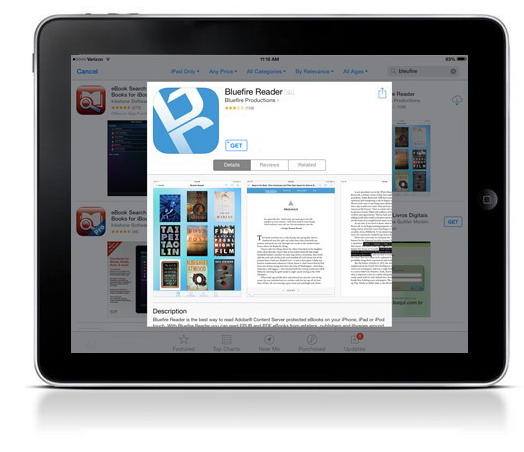
Step 1: Search in the App Store for Bluefire Reader and Install
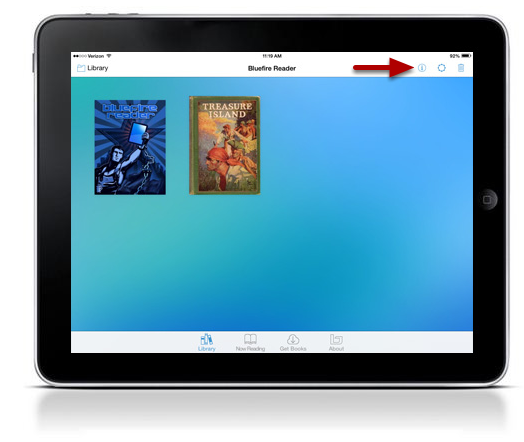
Step 2: Once installed, you will see the homepage with two sample eBooks. To access the authorization settings, click Info.

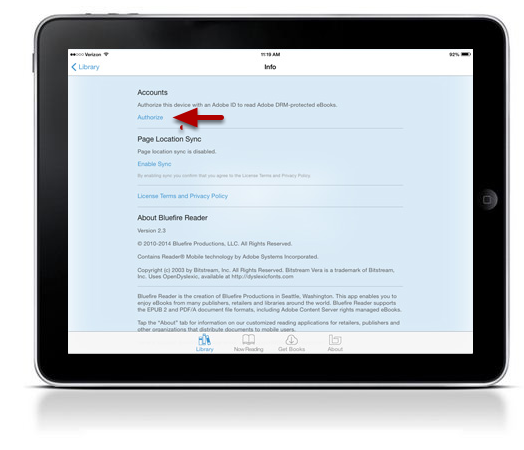
Step 3: Click Authorize

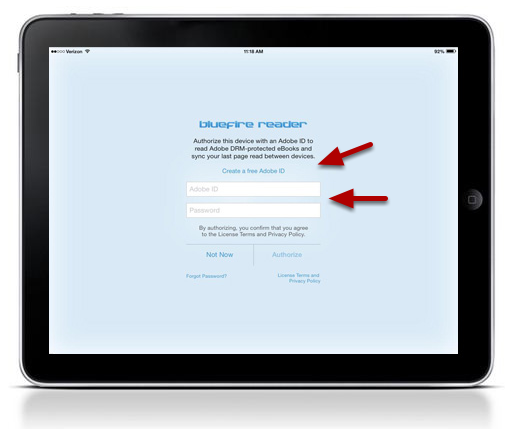
Step 4: Enter your Adobe ID and Password. If you do not have an Adobe ID, you can create one by clicking Create a free Adobe ID.